



Transitions
Car to house, house to car, park to home, screen off to bath. Showing what's next before it happens takes the surprise out of it.
Getting out of the car. Leaving the park. Bath time. For many autistic and non-verbal children, the moment one thing ends and the next begins is the hardest part of the day, and it can turn stressful for everyone very quickly.
SnapThen turns your own photos into a simple first-then sequence in seconds. Show them what's happening now, and the thing they're heading towards next: their favourite show, a song, a snack, the swing.
Start with up to two boards free. The one-time unlock is currently available in the UK; check your store for price and availability.
A simple form of AAC for understanding what comes next. For some children it works alongside an AAC device; for others, it's the thing that clicks.
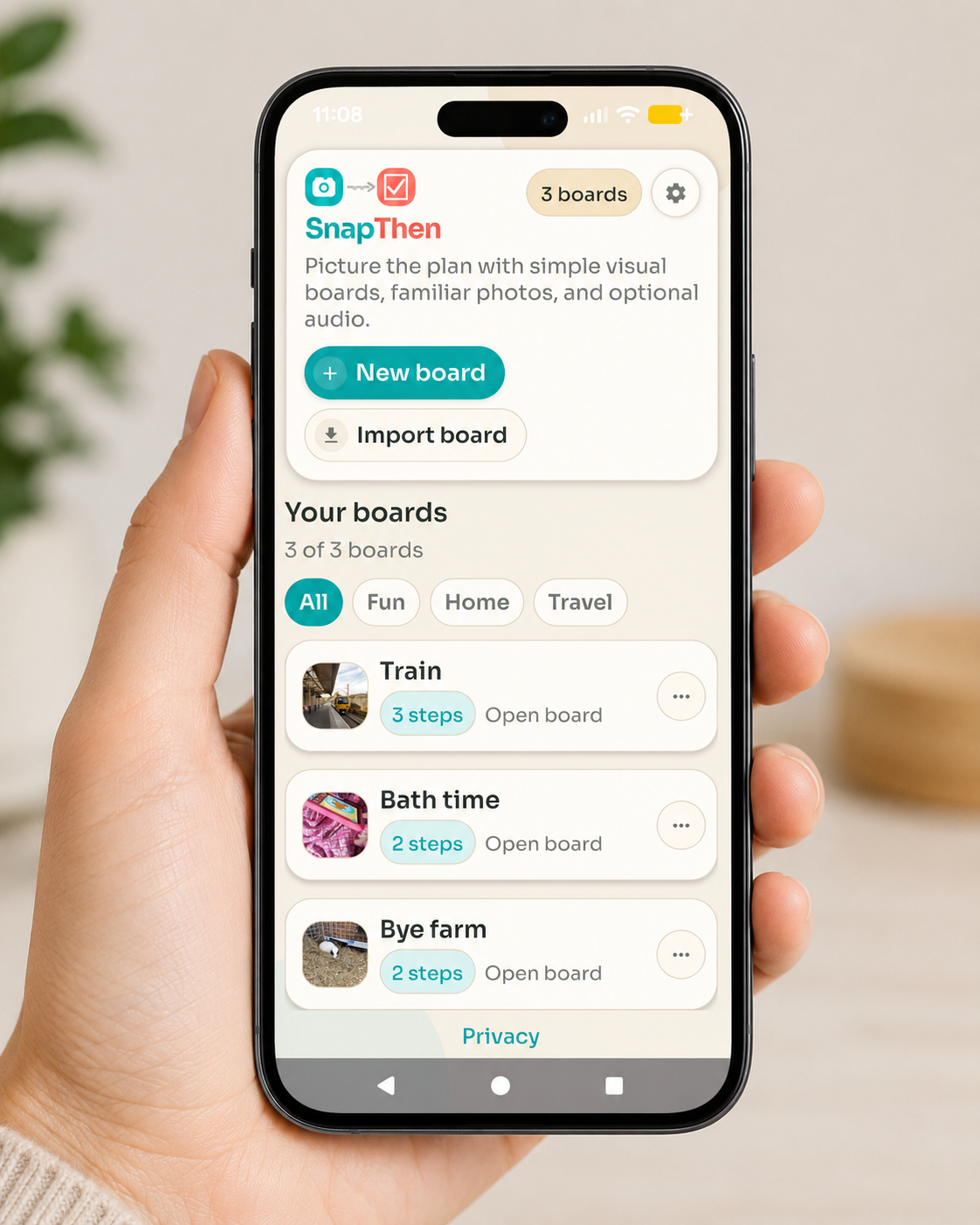
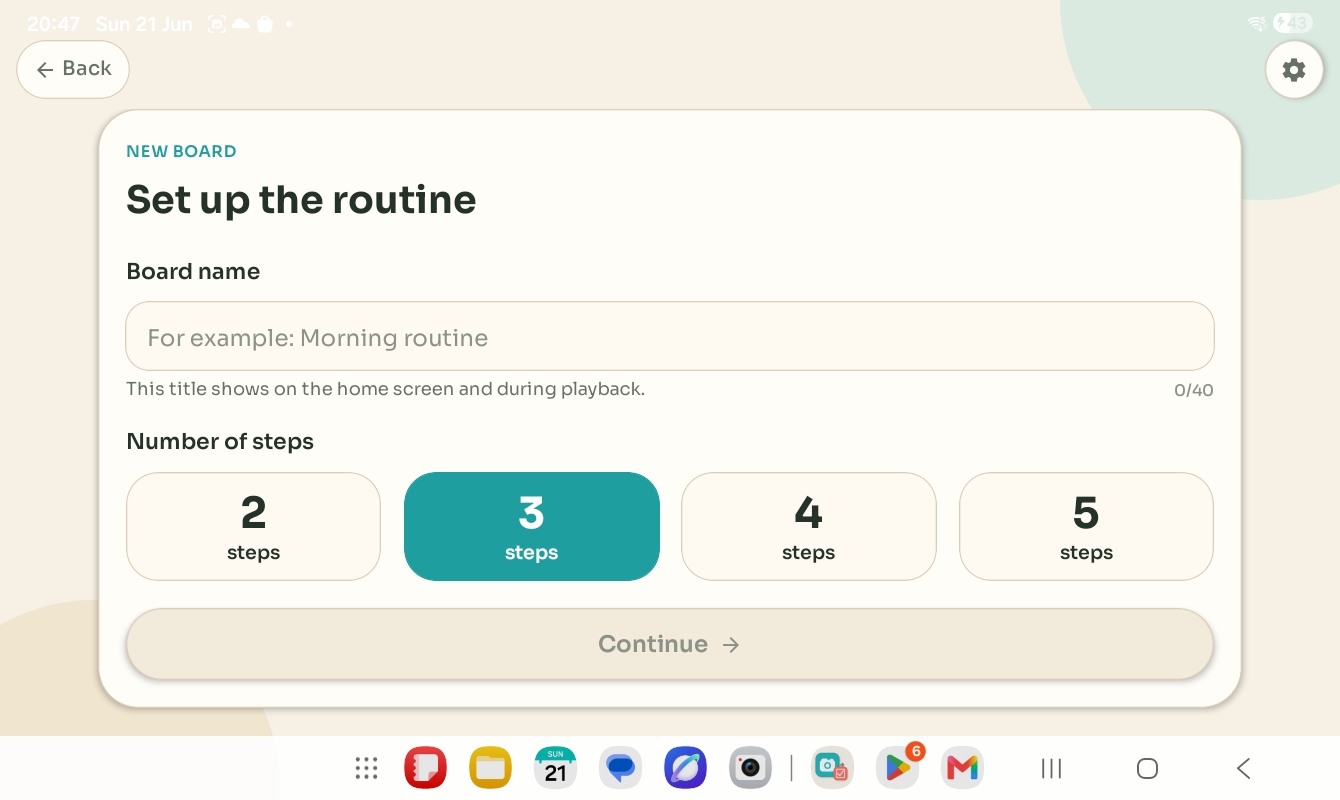
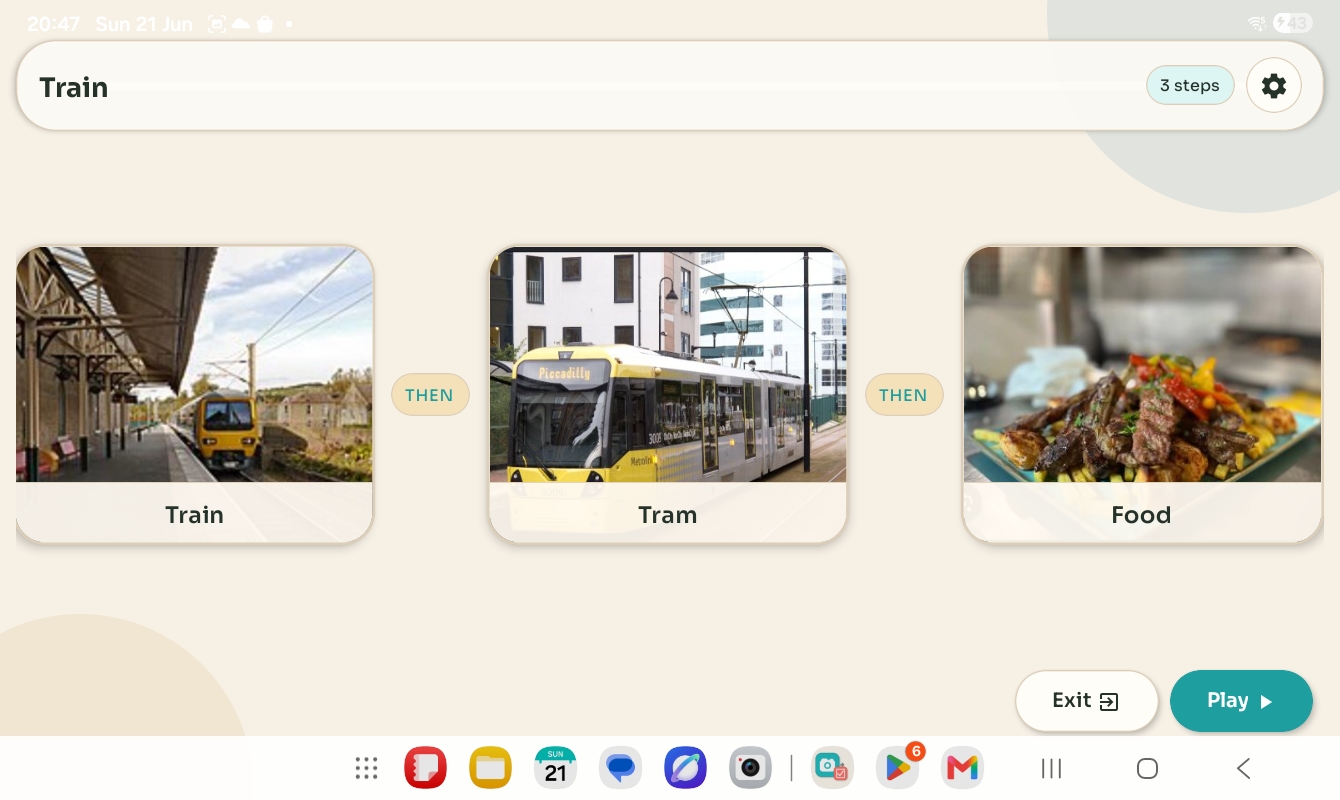
Things most families take for granted can be the most stressful part of the day. Each guide takes one real situation and shows how a simple first-then board can help.
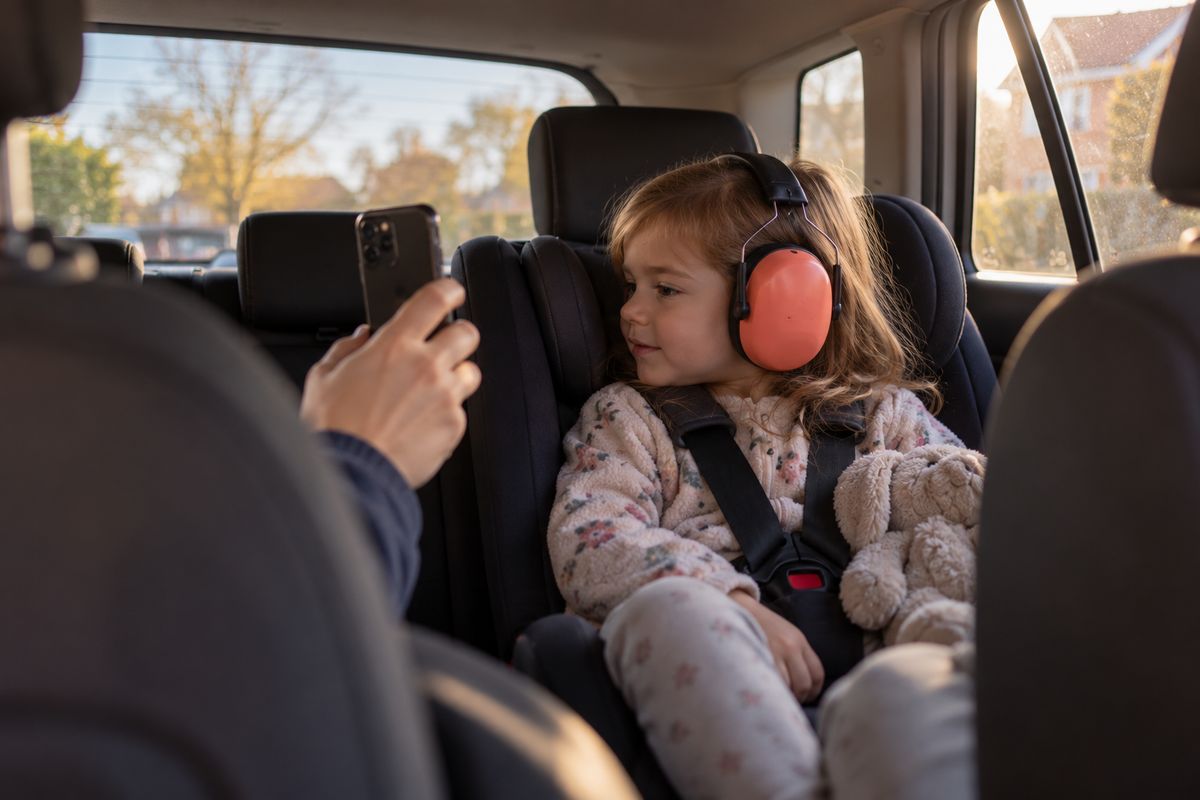 Getting out of the carFrom car seat to front door without a battle: show home, then the thing they love.Read the guide
 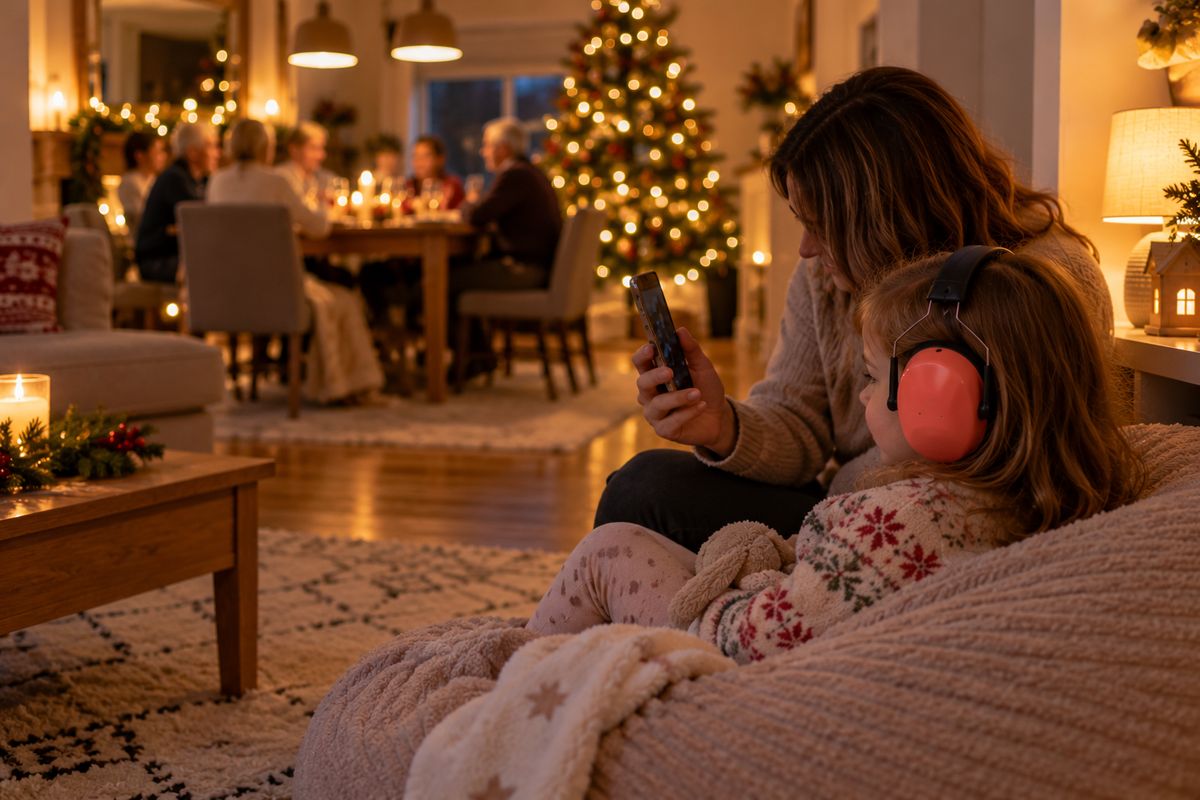 Christmas holidaysVisits, presents and busy days: small photo boards that take the surprise out of the holidays.Read the guide
  How first-then worksTwo pictures: what's happening now, and what comes next. Why such a simple idea helps.Read the guide
 “Something as simple as getting my daughter out of the car and into the house could turn into an absolute nightmare very quickly. She didn't use her AAC device, and endless symbol menus were no use in the moment. But when I showed her a photo of where we were going and what came next, like her favourite show on the TV, she understood, and the transition got so much easier for both of us.
I built SnapThen to do exactly that, as fast as possible, with nothing in the way. It was most useful when she was around three to six. Every child is different, but if the hardest part of your day is getting from one thing to the next, I hope it helps you too.”
Mark, founder of SnapThen
Visual timetables and AAC systems can be brilliant, but they're not always practical at the park gate with a child who's about to melt down. SnapThen is deliberately small: open it, show it, move on.

Car to house, house to car, park to home, screen off to bath. Showing what's next before it happens takes the surprise out of it.
Especially useful for younger and non-verbal children who understand pictures of their own world more easily than spoken instructions.
Shopping, appointments, visiting family. A board on your phone goes everywhere, with no laminated cards or folders to forget.
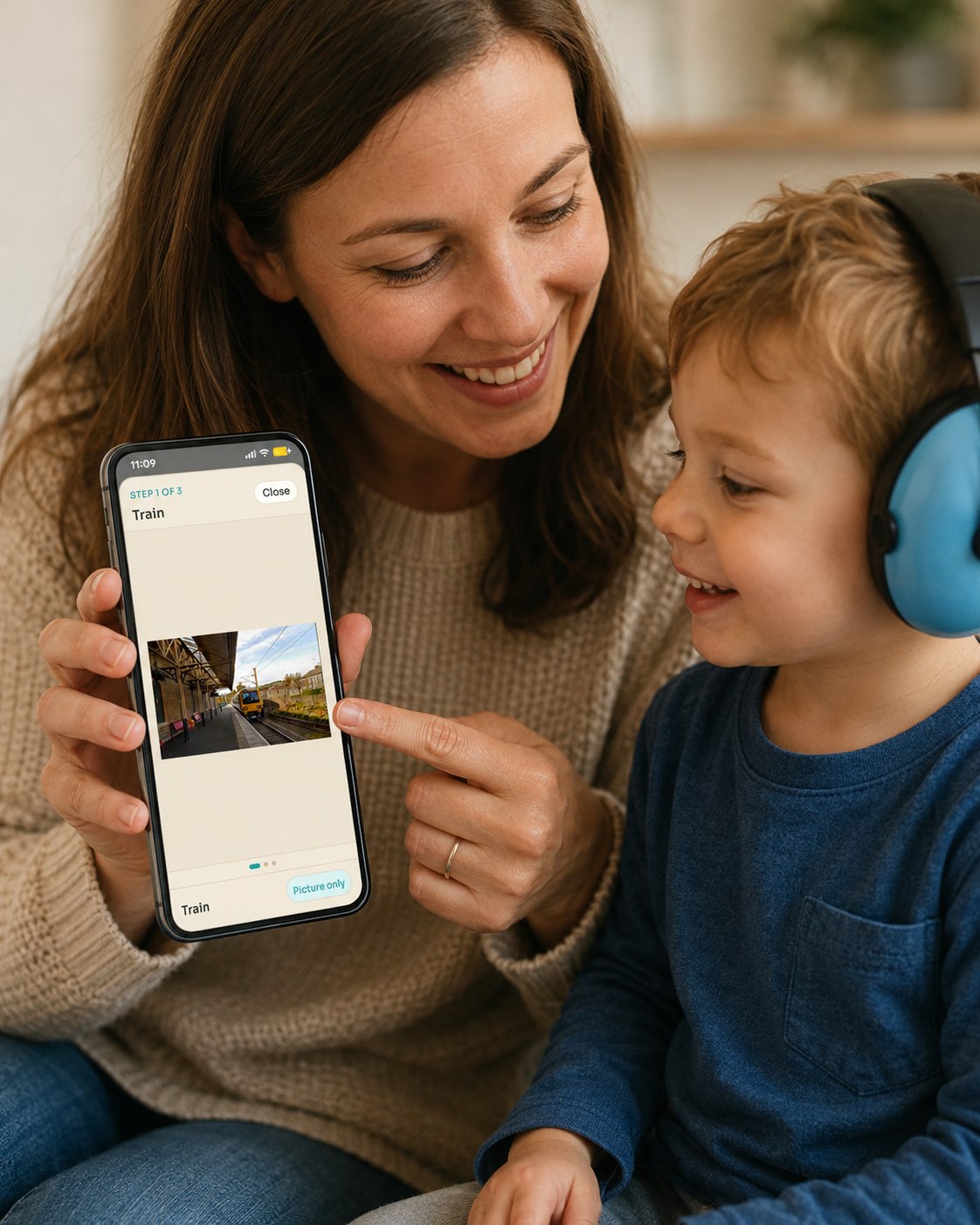
Open the board, point to the current step, and keep the focus on the real routine in front of you.
A major US review of autism research, the National Clearinghouse on Autism Evidence and Practice (2020), lists visual supports, including visual schedules, as an evidence-based practice, backed by over a hundred studies from preschool age upwards. Read the AFIRM summary.
AAC (augmentative and alternative communication) covers tools that support understanding as well as speech, and picture boards are a classic example (ASHA). SnapThen is a simple form of AAC for understanding what comes next. It doesn't give your child a voice like a speech device does, and it can sit happily alongside one.
SnapThen stays focused on the everyday loop: make a board quickly, open it when it helps, adjust it later, and keep photos on the device unless you choose to share or back up.
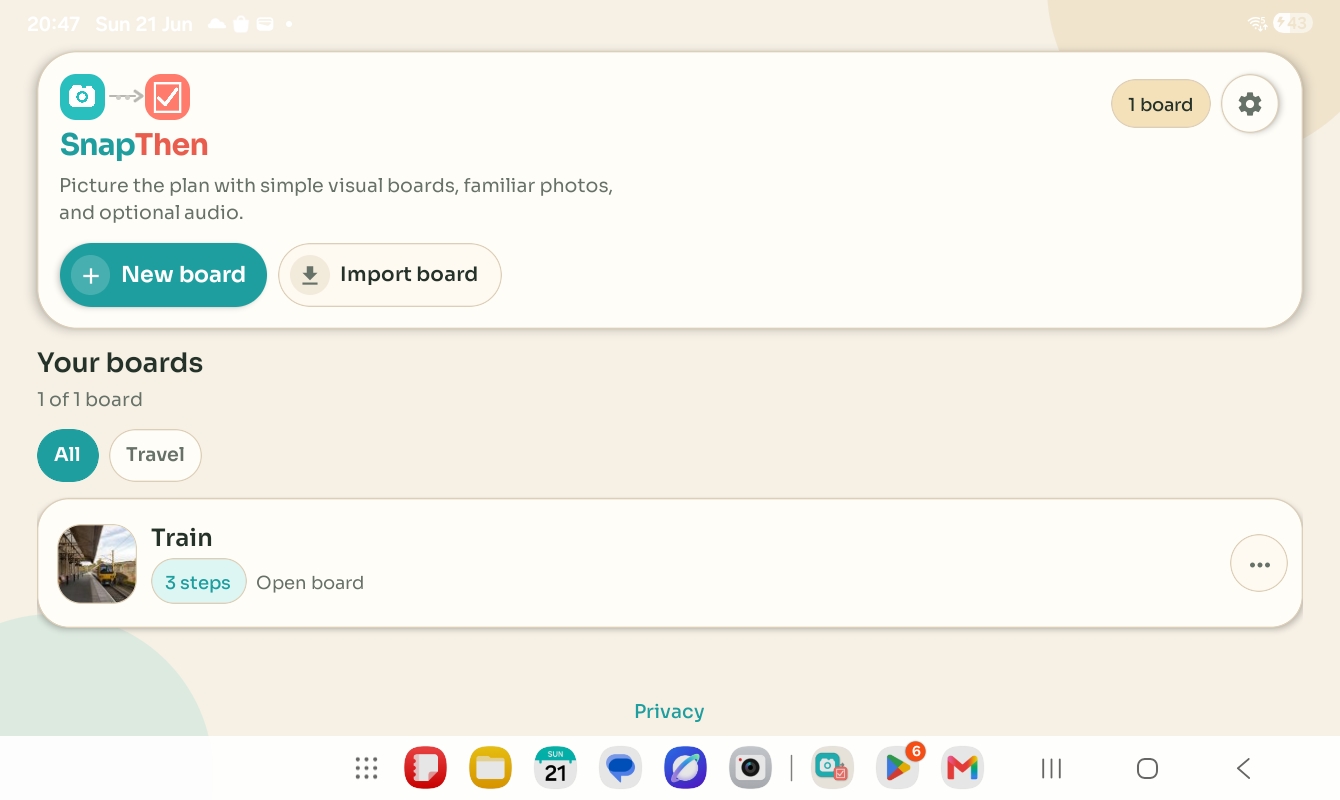
Open a board quickly, create a new one, or import one when you need it.
Keep routines short and specific so they are easier to understand and easier to use in real situations.
Move through each step with large photos and a clear sense of what comes next.
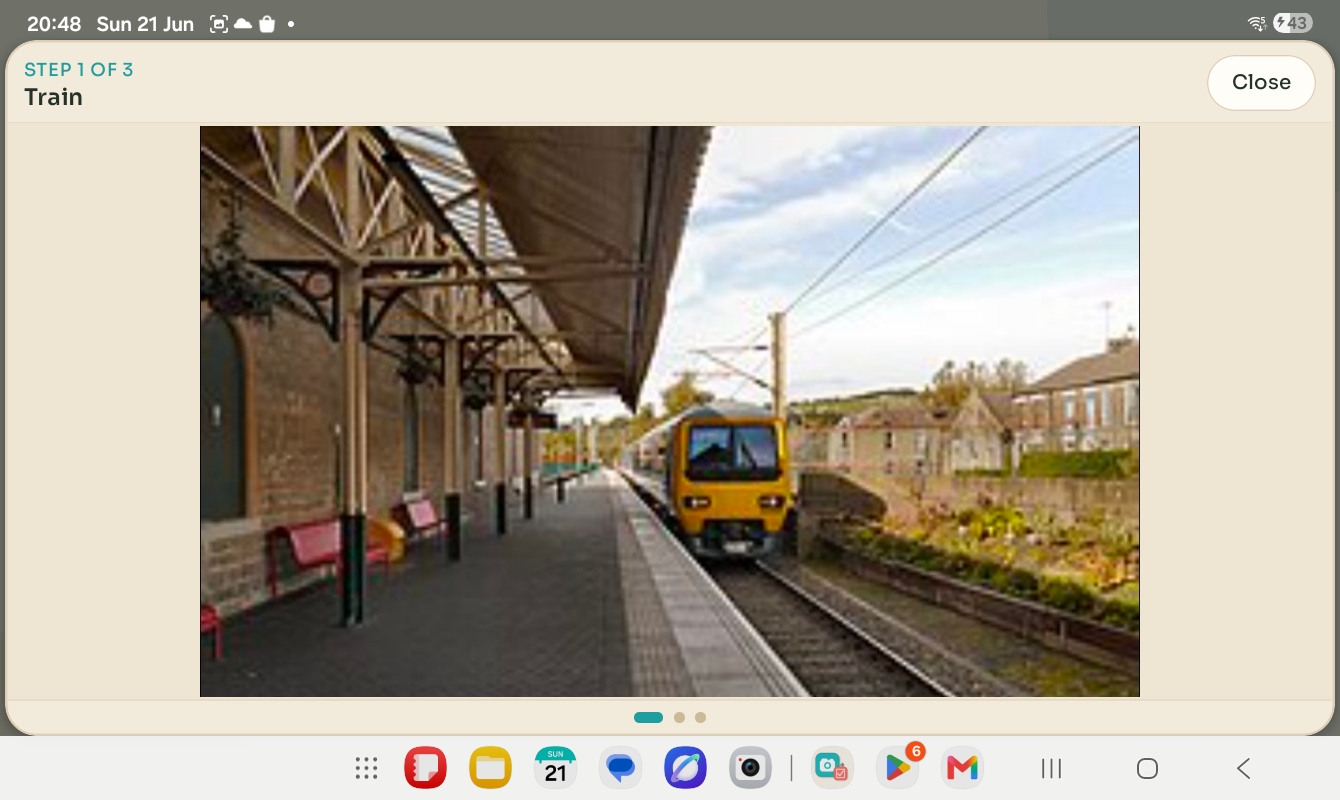
Useful when a larger visual cue is easier than extra text or explanation.
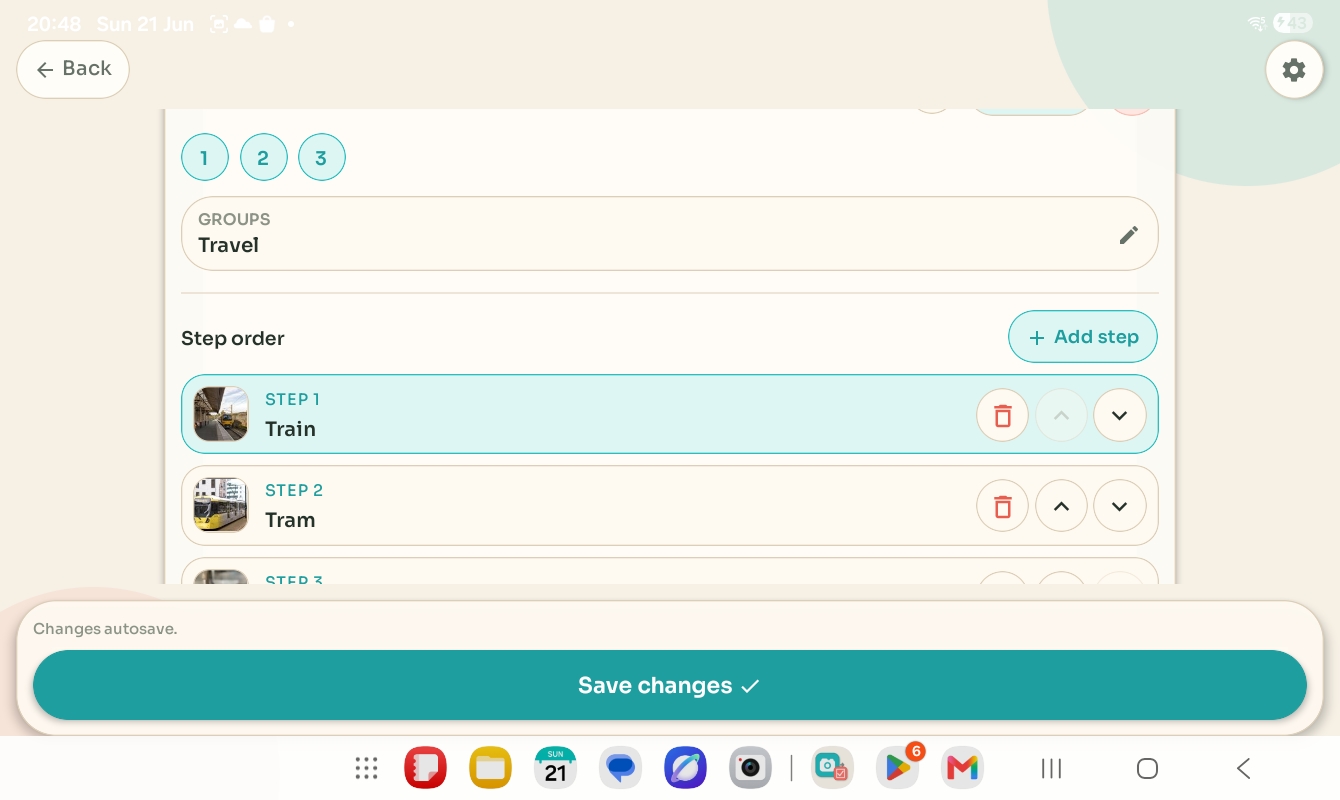
Adjust step order, add another step, or tidy the flow without starting again from scratch.
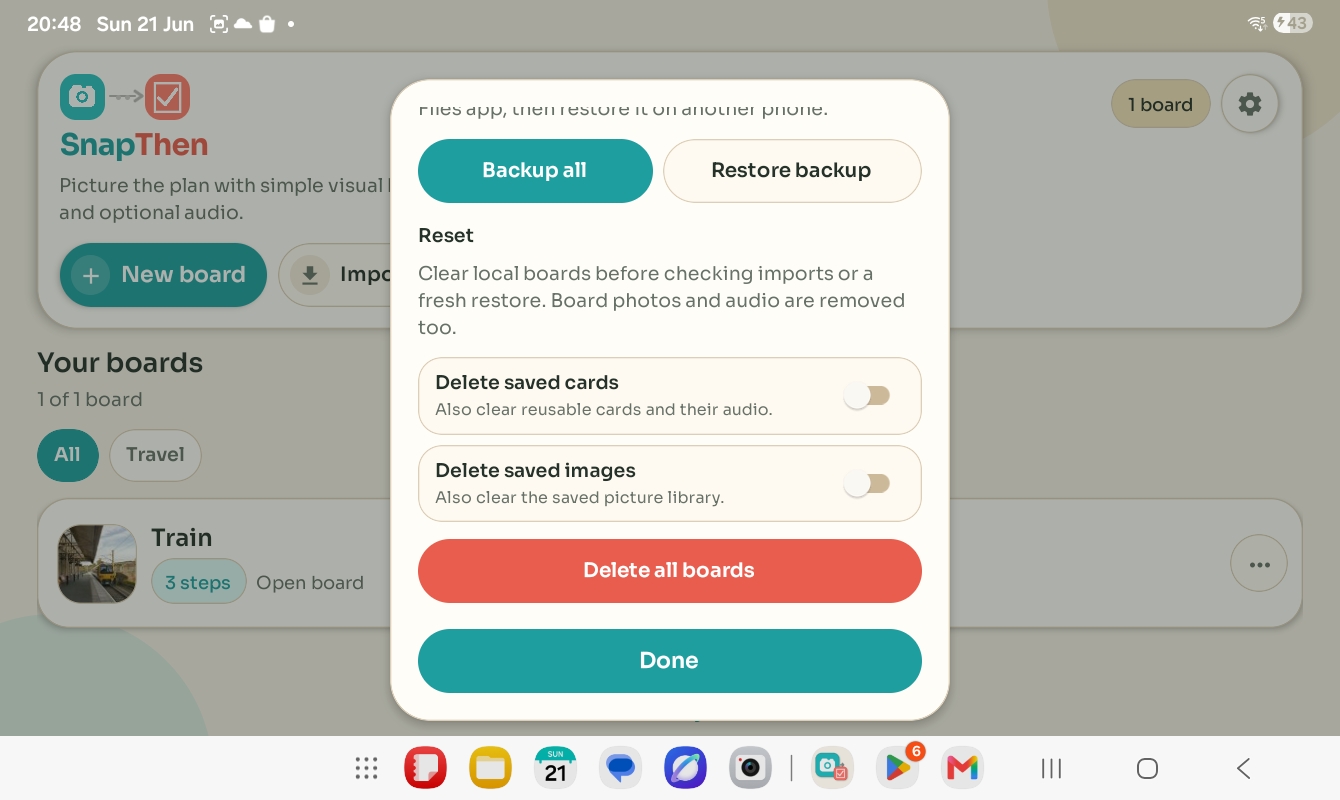
Use board sharing and backup tools intentionally rather than relying on hidden cloud storage.
Take photos or choose existing ones so the board reflects the child's own objects, places, activities, and transitions.
Set the sequence, keep labels short, and only add recorded audio when it genuinely improves clarity for that child.
Open the board, move through the steps, enlarge the image if needed, and tweak the routine later when real life changes.
It's a simple form of AAC for understanding what comes next. It doesn't replace a speech device; it works alongside one, or on its own.
Yes in normal use. SnapThen is designed around local storage unless you deliberately export, share, or restore data.
Yes. You can share one board at a time or use backup and restore tools when you need a wider move.
The FAQ and setup guide covers first steps, common questions, and what to send support if something goes wrong.
For setup questions, restore or backup help, permissions basics, or product feedback, use the support page. For data handling details, the privacy policy remains at the same stable link used from inside the app.